
Xiaomo AI
Start with a task. Work on it together.
Choose a project, reference your materials, attach a file, or talk it through. Bring your instructions and context together so every conversation starts closer to the work.
Describe the task. Bring the context. Chat with AI, write documents, organize tables, and keep things moving with work buddies and automations.
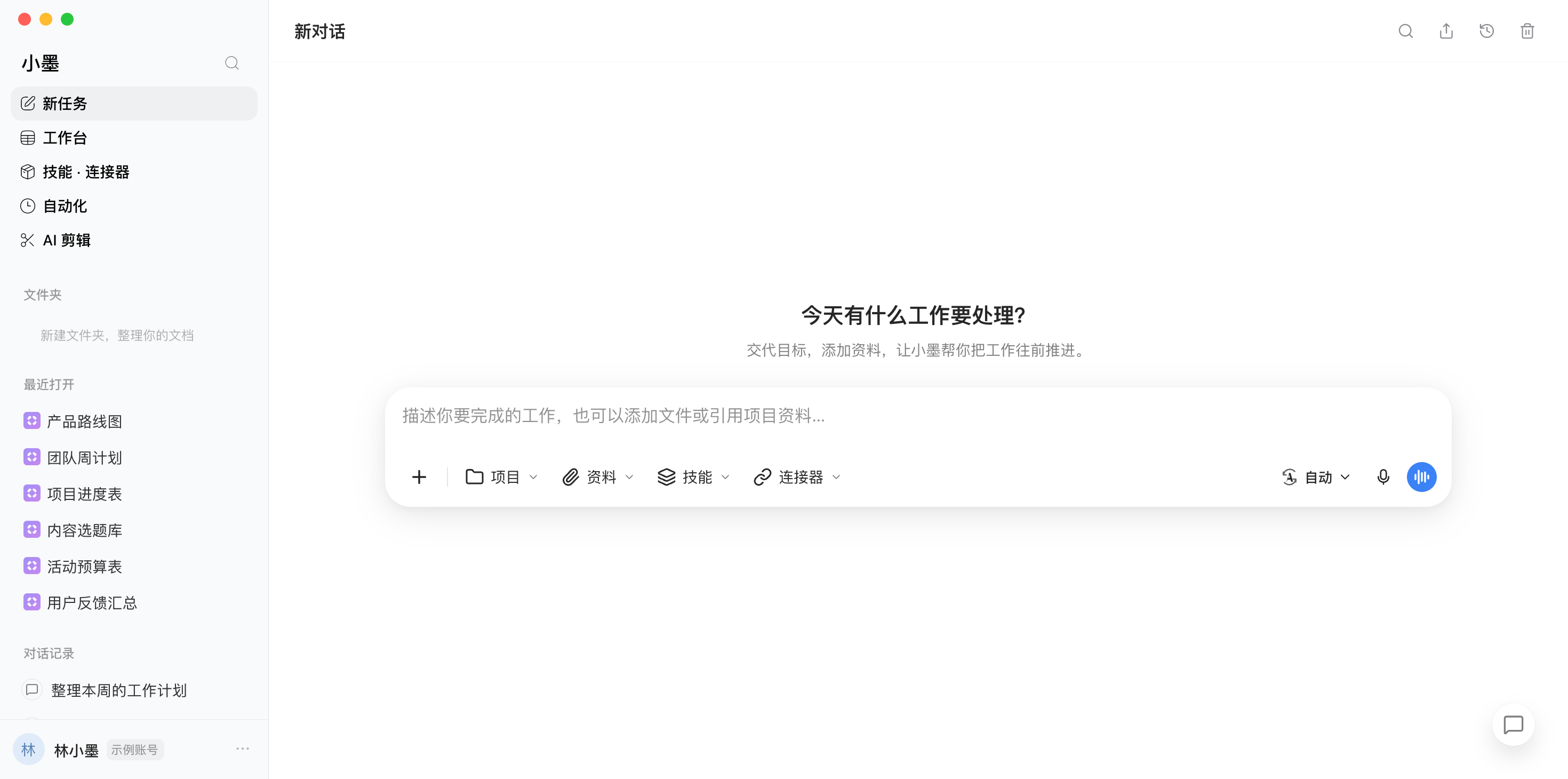
Actual UI screenshots · Sample data for private content
Choose a project, reference your materials, attach a file, or talk it through. Bring your instructions and context together so every conversation starts closer to the work.
Capture an idea, organize your materials, and find the right partner. Turn your first instruction into work you can keep building on.
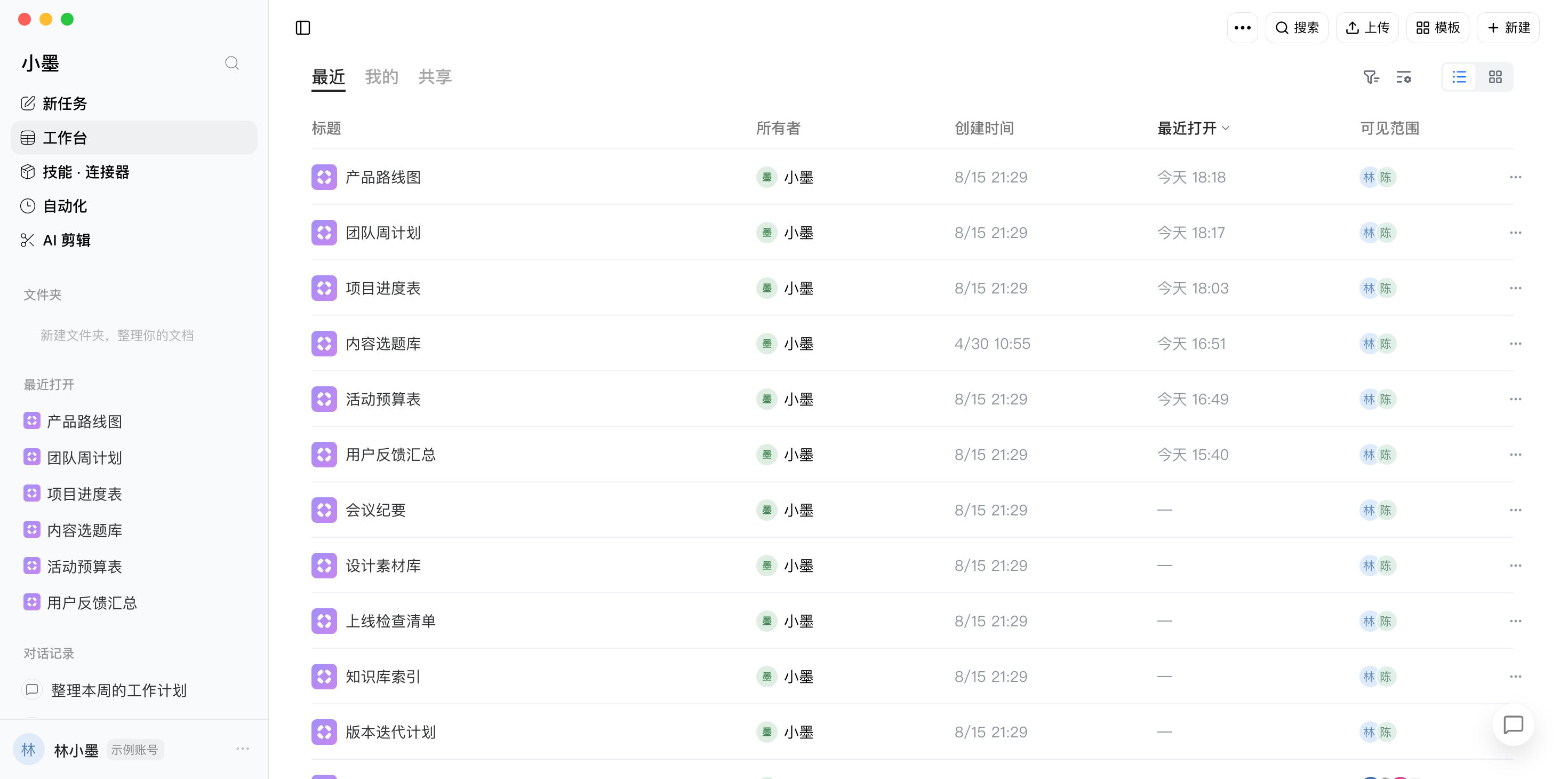
Create a document, import a spreadsheet, or start from a template. Organize information with custom fields and views, then return through folders and recent files.
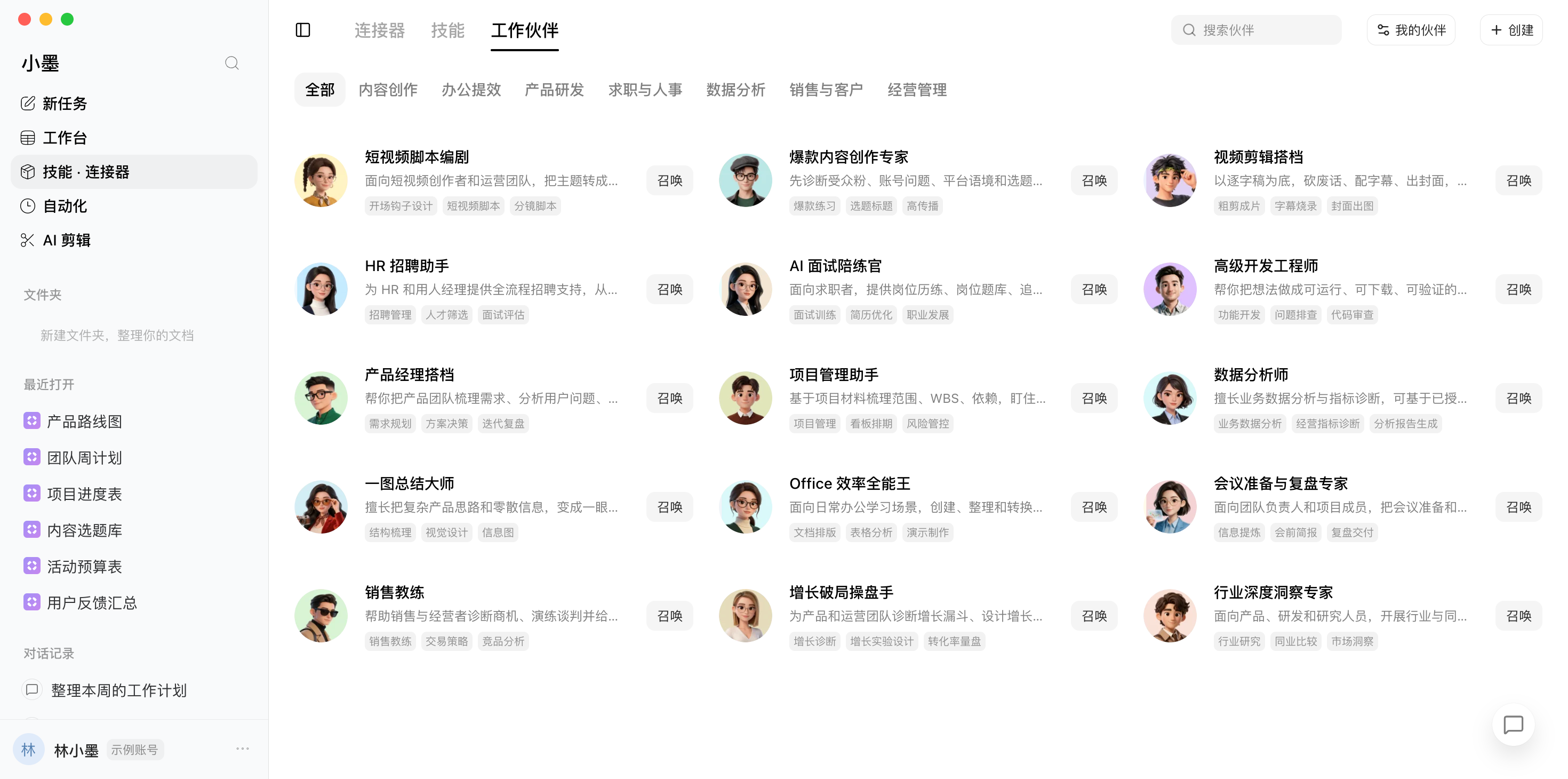
Choose a specialist for writing, research, product work, or everyday tasks. Create your own buddies and return to their tasks and attachments whenever you need.
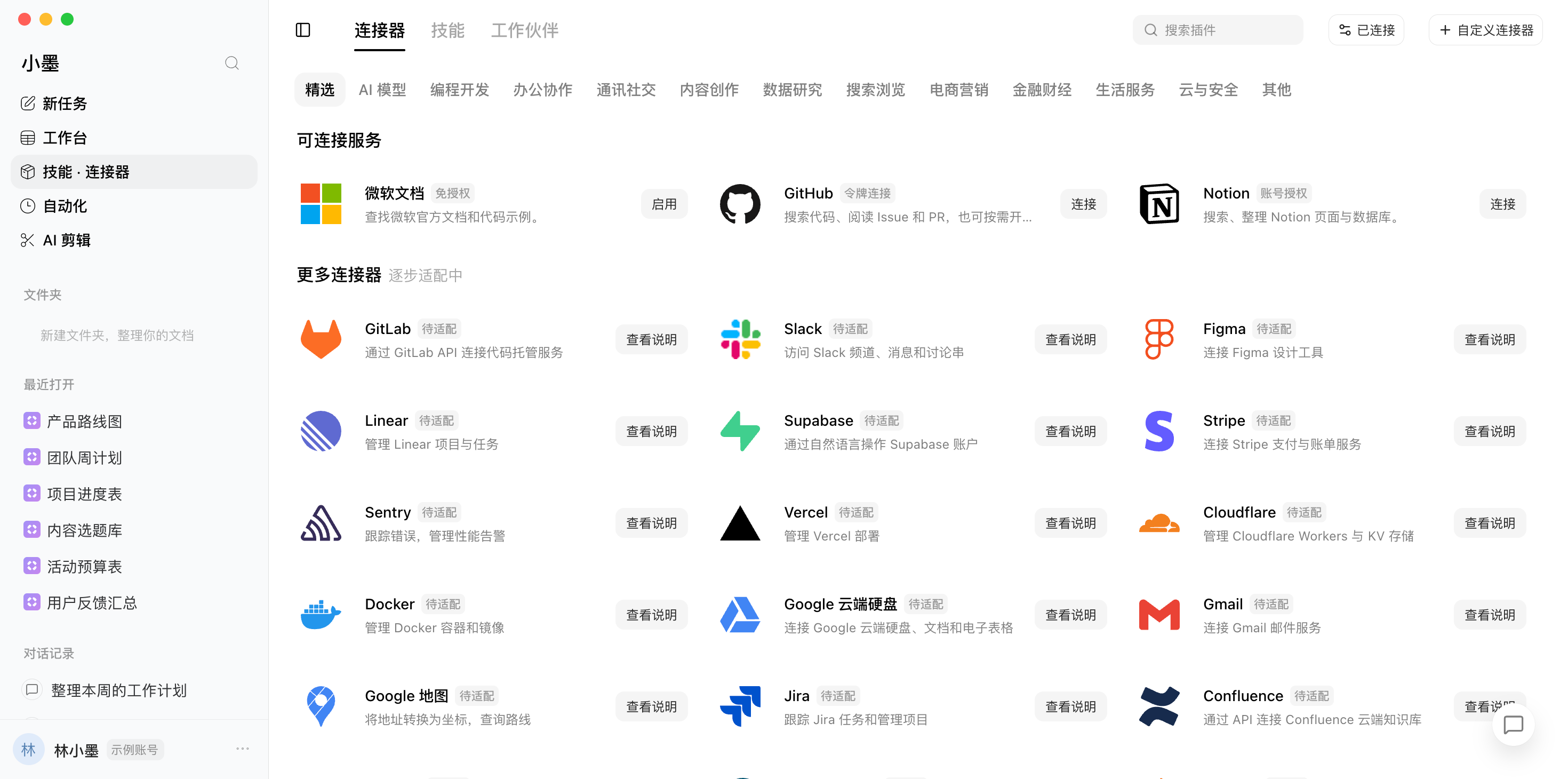
Use skills to prepare a task and available connectors to access authorized tools and information. The catalog distinguishes ready-to-connect services from upcoming integrations.
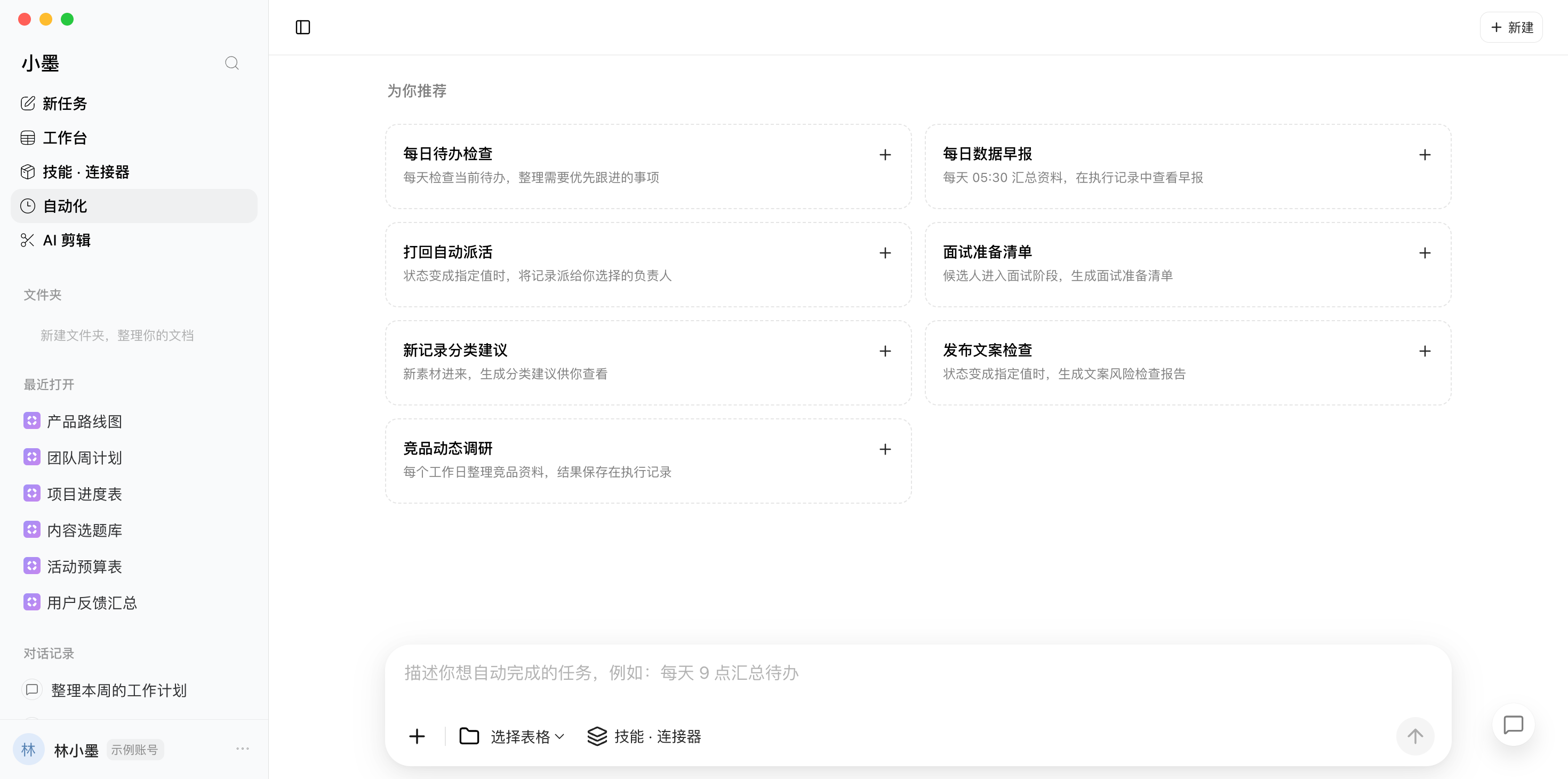
Set a schedule or a record-based rule. Test it before enabling it, check execution status and results, and pause whenever you need to make a change.
Move between tasks, materials, and specialist tools. Keep different kinds of work in one familiar space.
Attach a file, reference project materials, and choose a model. Type or speak your instructions, then keep refining them in the same conversation.
Documents and business materials have their own visibility settings. Members work within their access rights, and connectors are managed by account and workspace.
Ready for everyday work. Choose the version for your computer, or get started in your browser.
iOS and Android versions are in preparation.All download options
A few things to know before you get started.
Xiaomo AI brings AI conversations, documents, tables, work buddies, connectors, and automations into one workspace. Start with a new task or organize your materials in the workbench.
Create documents, spreadsheets, and databases. Upload files or begin with a template. Databases support custom fields and views such as tables, boards, calendars, and galleries; available options are shown in the app.
A buddy is an AI partner with a role and instructions. A skill helps you prepare a task with a specific method. A connector provides access to authorized external tools and information. Services marked as upcoming are not ready to connect.
New rules are saved in a paused state. Review and test the rule, then enable it when the execution service is available and the configuration is supported. Results appear in execution history.
Desktop installers are available for Apple silicon Macs and 64-bit Windows. You can also use the web app. iOS and Android versions are in preparation.
Download the desktop app for your computer or open the web app. Sign in, choose your workspace, and start a new task. You can also begin with a document, spreadsheet, or template in the workbench.
Start a conversation. Turn an idea into a next step.